.png)
Product photography is not just visuals. In ecommerce, it is your fastest way to explain value, remove doubt, and win the click on a tiny mobile screen. The brands that win do not always have the biggest budget. They have a clear plan, consistent execution, and a gallery that feels like a story, not a random photo dump.
This expert how-to guide gives you a practical system you can reuse for Amazon, Shopify, Etsy, TikTok Shop, and DTC product pages. You will get the key product image types, a simple gallery order that sells, a checklist, and a ready table: frame, what to show, and which listing block it supports.
.png)
Why Product Photography Makes or Breaks Your Listing
Great product photos do three jobs at the same time.
Clarity
A shopper instantly understands what the product is, what they get, and why it matters.
Confidence
Quality feels real. Details are visible. Scale makes sense. The product looks trustworthy, not too good to be true.
Conversion
Your gallery works like a mini funnel. Each image answers one buying question. The shopper keeps moving forward instead of bouncing back to search results.
A simple rule that works in any niche is this: one image equals one question answered. If a frame does not answer a question, it becomes noise.

What to Plan Before You Shoot
Most product photo sets fail before the camera turns on, because the plan is missing. A shoot without a gallery plan usually produces two problems: repeated angles and missing proof frames. The listing ends up looking pretty but not convincing.
Step 1. Write the top buyer questions
Start with five questions that decide the sale. For most products it is some version of:
- What is it and what is included
- How big is it in real life
- What is it made of, does it feel premium
- How does it work, is it easy
- Why this one, not the cheaper option
Step 2. Match each question to a frame
Do not shoot a lot. Shoot with purpose. Each frame should have a job. You will see the mapping in the table below.
Step 3. Decide the story of the gallery
A good gallery has a rhythm: clarity, proof, confidence, decision. When the rhythm is right, the shopper feels guided, not pushed.
Step 4. Prepare for consistency
Consistency is a conversion feature. When color, shadows, and angles jump around, trust drops. Your goal is not artistic variety. Your goal is predictable clarity that looks professional on every device.
The Product Image Types That Actually Sell
You do not need more photos. You need the right types, in the right order, with each one doing a specific job.
.png)
1. Hero image
What it does: wins the click and sets expectations.
What to show: the product, large and instantly readable, with no distractions.
What makes it strong: clean edges, stable color, simple composition, and mobile-friendly contrast.
2. Angle set
What it does: helps the shopper understand the product in seconds.
What to show: three to five angles that reveal different information, not repeats.
Quick tip: if two angles tell the same story, delete one.
3. Detail and texture close-ups
What it does: proves quality.
What to show: material texture, finish, stitching, connectors, seams, and key mechanisms.
Goal: make the shopper feel the product with their eyes.
4. Scale and real-life context
What it does: prevents returns caused by size misunderstandings.
What to show: in hand, on body, in room, or next to a familiar reference.
Important: choose references your buyer recognizes instantly.
5. Product in use
What it does: turns features into outcomes.
What to show: one clear moment where the product does its job.
Rule: the action should be understandable in one glance.
6. Lifestyle storytelling
What it does: builds desire and brand feel.
What to show: a setting your buyer recognizes, with the product still the hero.
Avoid: scenes where the environment steals attention from the product.
7. Unboxing and what’s included
What it does: removes “what exactly will I receive” doubt.
What to show: packaging plus everything included, neatly arranged, with no extras.
This frame quietly reduces support tickets and negative reviews.
8. Bundles and sets
What it does: makes value obvious for packs and kits.
What to show: full set contents, easy to count, easy to compare.
If you sell variants, keep layout consistent across versions.
9. Comparison images
What it does: helps customers choose fast.
What to show: variants, sizes, models, before and after, or key differences.
Keep it honest. Comparison should reduce friction, not create skepticism.
10. Instructions and steps
What it does: removes “it looks complicated” fear.
What to show: three to five steps, one action per step.
Think of it as visual onboarding.
11. 360° and 3D shots
What it does: creates an “as if in hand” inspection.
What to show: stable light, accurate color, and consistent angles.
Best for products where shape, finish, and design are key to the decision.
The Best Gallery Order
Use this as a reliable default sequence for many ecommerce categories.
- Hero, with clean clarity
- Angles, showing shape and design
- Primary benefit, your strongest why-buy visual
- Details, for quality proof
- In use, showing the outcome in one glance
- Scale and context, for size confidence
- What’s included, so there are no surprises
- Comparison, to make the choice easy
- Steps, to make it feel effortless
- Lifestyle, for final emotional reinforcement
If you only have six to seven slots, keep hero, angles, benefit, details, in use, scale, and what’s included.
Table: Frame → What to Show → Which Listing Block It Supports

| Stage | Frame (slot) | What to show | Best place in the listing |
|---|---|---|---|
| Stop the scroll | 1. Hero (clean) | Product large, instantly readable, clean background, accurate color | Main gallery image, search or category thumbnail |
| Explain fast | 2. Angle set (3–5) | Different sides that add new info, no duplicates | Gallery right after hero |
| Hook interest | 3. Key benefit visual | One strongest why-buy message shown visually | Early gallery, top product section |
| Build trust | 4. Material or detail | Texture, finish, seams, connectors, key mechanisms, close-up proof | Mid gallery, quality proof block |
| Remove doubt | 5. Scale or context | In hand, on body, in room, next to familiar reference | Mid gallery, size or spec clarification |
| Prove outcome | 6. In use | One clear moment where the product does its job | Mid gallery, how-it-works block |
| Add desire | 7. Lifestyle | Real setting matching buyer and outcome, product remains the hero | Gallery, ads, landing page storytelling |
| Prevent surprises | 8. What’s included | Everything included, neatly arranged, no extra items | Later gallery, what-you-get section |
| Help decide | 9. Comparison | Variants, sizes, models, before and after, key differences | Variant chooser, decision-helper block |
| Make it easy | 10. Steps or instructions | 3–5 steps, one action per step, ultra-clear visuals | Late gallery, FAQ or onboarding |
| Increase value | 11. Bundle or set | Full kit contents and value clarity, easy to count | Offer section, bundle landing page |
| Optional depth | 12. 360° / 3D | Full inspection with consistent lighting and color | Optional interactive block on product page |

Lighting and Composition That Make Products Look Premium
Stable, soft light beats dramatic light
Soft, stable lighting keeps surfaces readable and reduces harsh shadows. It is also easier to keep consistent across multiple frames and variants. In ecommerce, consistency sells because it feels reliable.
One direction, one style
Pick where light comes from and keep it consistent. Stable shadow behavior makes the whole gallery feel like one professional set. If your shadows shift wildly between frames, your listing feels patched together.
Control reflections
For glossy products, aim for clean, controlled reflections rather than trying to remove reflections entirely. Small changes in angle and light position often fix the biggest issues. What looks wrong is usually not reflection itself, but messy reflection.
Mobile-first readability
Your hero image often appears as a small tile. If the product does not read as a simple shape with clear contrast, your click rate drops before your copy even matters.
Leave breathing room
Whitespace makes products feel premium and keeps the design flexible for future callouts, badges, or marketplace crops.

How to Avoid the Most Common Gallery Fails
Too many repeated angles
More images do not help if they repeat the same information. Repetition makes a listing feel uncertain, like the brand has nothing to show. Delete duplicates aggressively.
No proof frames
A hero plus angles is not enough. Buyers want proof. Add details: material, mechanism, texture, and close-up evidence that it is not cheap.
No scale clarity
Unclear size leads to returns. A single clear scale frame protects margin and reviews. It is also a quiet trust signal.
What’s included is vague
This creates disappointment and support tickets. One clean what’s-included frame is a conversion win that does not look like marketing.
Inconsistent variants
When variants look like different brands, shoppers hesitate. Consistency across hero, angles, and lighting is a major trust signal, especially for marketplaces where shoppers compare multiple sellers in seconds.
Category-Specific Shot Ideas
Beauty and skincare
People buy texture, finish, and trust. Best frames: hero, texture close-up, application or in use, what’s included, comparison of variants, and lifestyle matching the audience.
Supplements
People buy clarity and credibility. Best frames: hero, label close-up, what’s included, serving context, comparison of pack sizes, and clean lifestyle.
Apparel and accessories
People buy fit and realism. Best frames: on body, material close-up, fit details, variant comparison, lifestyle, and what’s included.
Electronics
People buy compatibility and ease. Best frames: ports and details, in use, step-by-step setup, what’s included, comparison of models, and scale context.
Home and kitchen
People buy “will this fit my life.” Best frames: in room or in kitchen, scale context, in use, detail proof, what’s included, and lifestyle outcome.

Product Photography Checklist for Ecommerce
Before you shoot
- Write the top five buyer questions
- Plan frames by image types, not by inspiration
- Clean the product, remove dust, and fix tiny flaws
- Confirm what is included, so you do not show extras
- Decide the background style so every image feels like one set
During the shoot
- Keep lighting consistent across all frames
- Shoot with extra room for cropping into square and vertical formats
- Capture at least one proof frame: texture, mechanism, finish, or material
- Shoot one scale frame that is instantly understandable
- Shoot one in-use frame that shows the outcome clearly
After the shoot
- Check every image on mobile, not just desktop
- Remove duplicates and keep only frames that answer a buying question
- Order the gallery like a story: clarity, proof, confidence, decision
- Keep variant frames consistent, especially hero and angles
How Mujo AI Helps You Turn Product Photos Into a Converting Gallery
Many listings do not lose because the product is weak. They lose because the images are unstructured, inconsistent, and do not highlight the right points fast enough. The fix is not more photos. The fix is a better system.
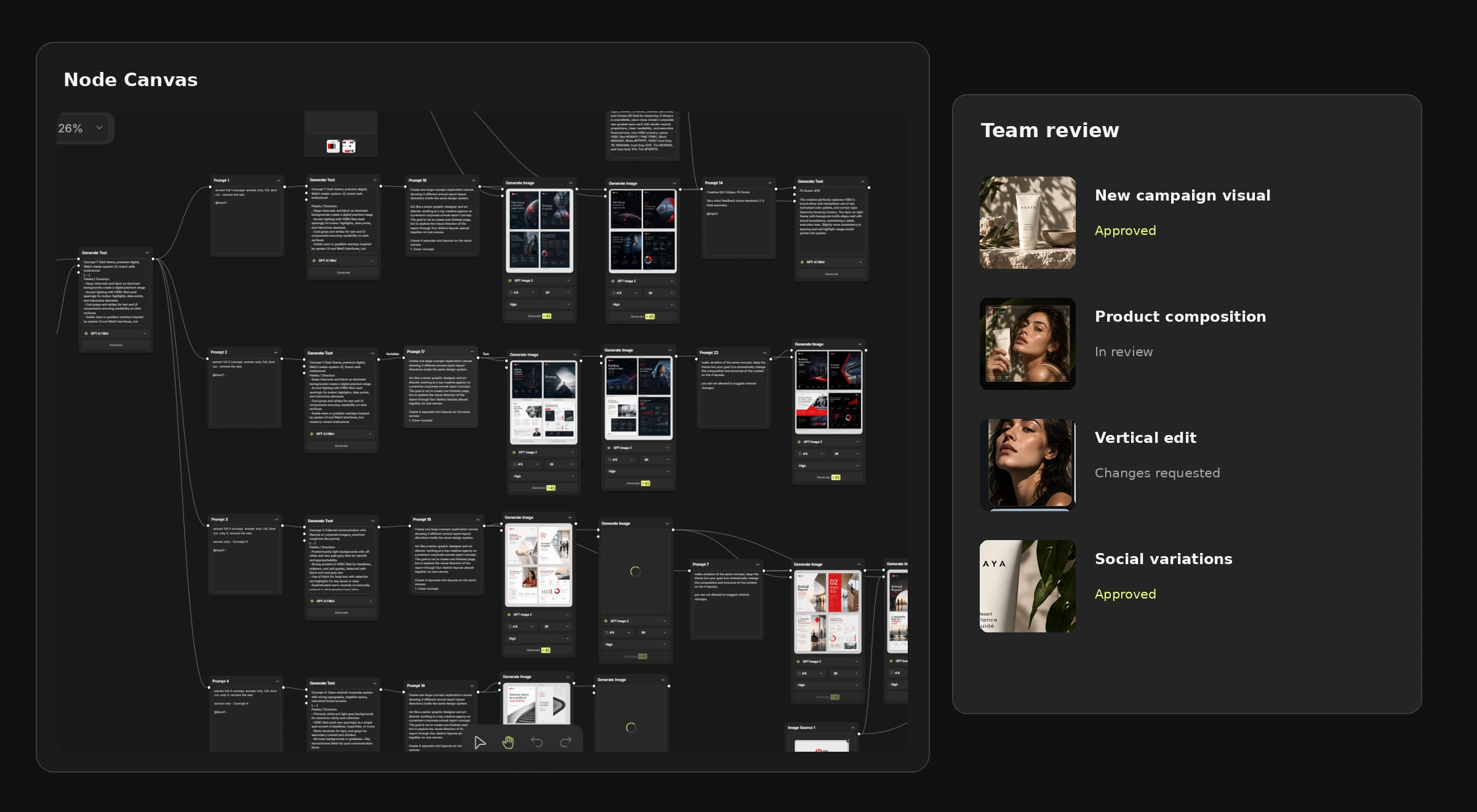
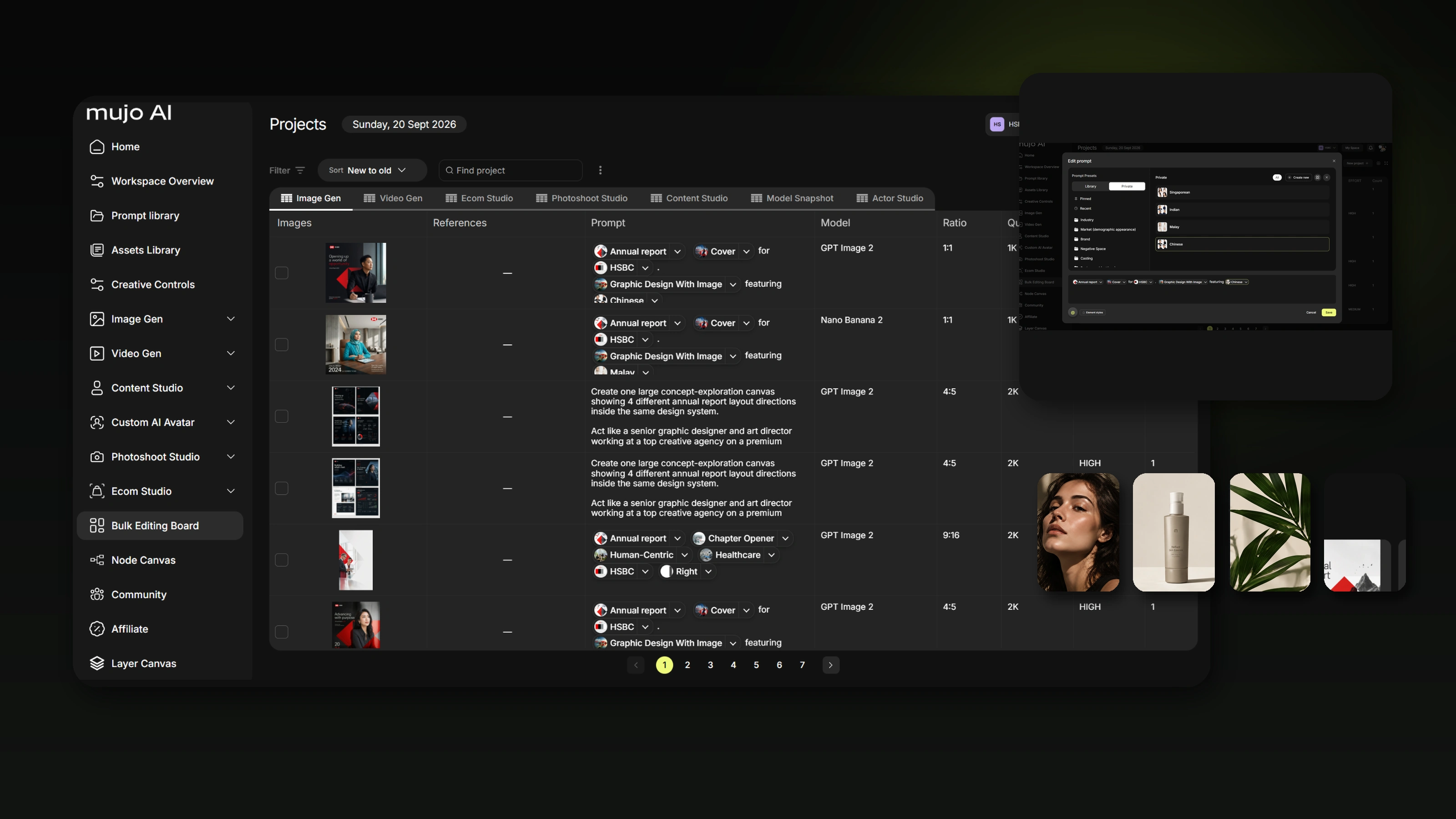
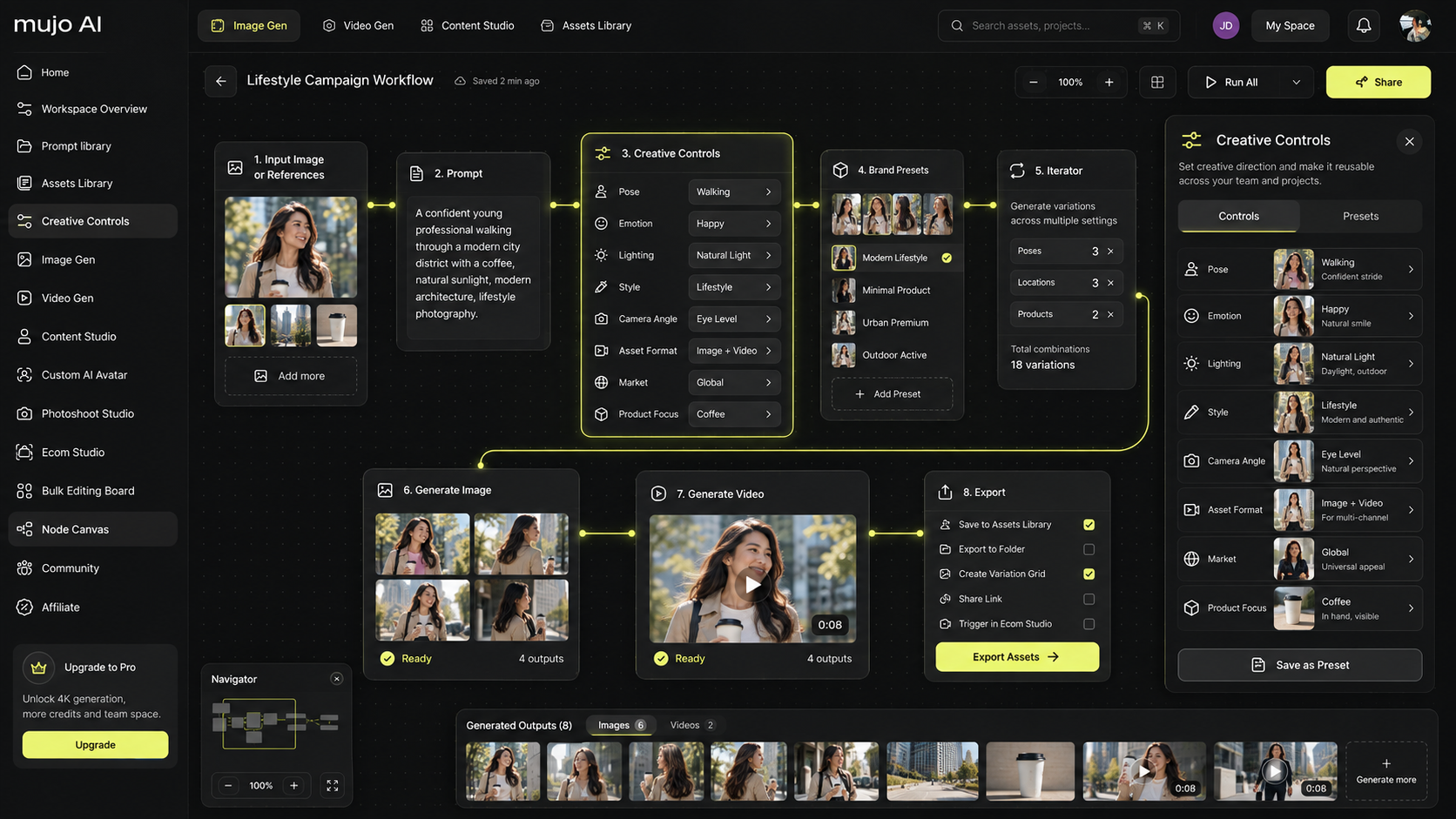
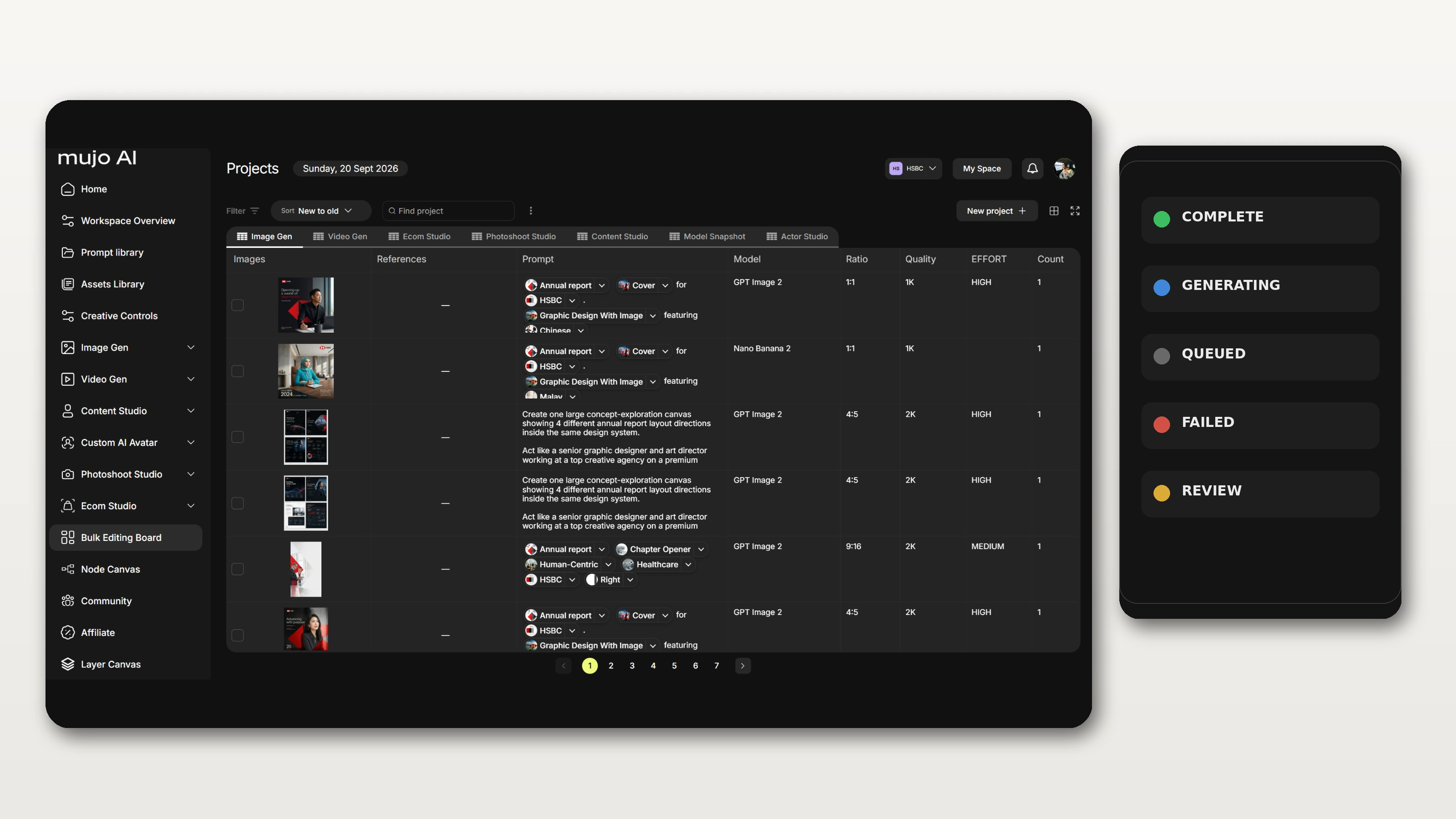
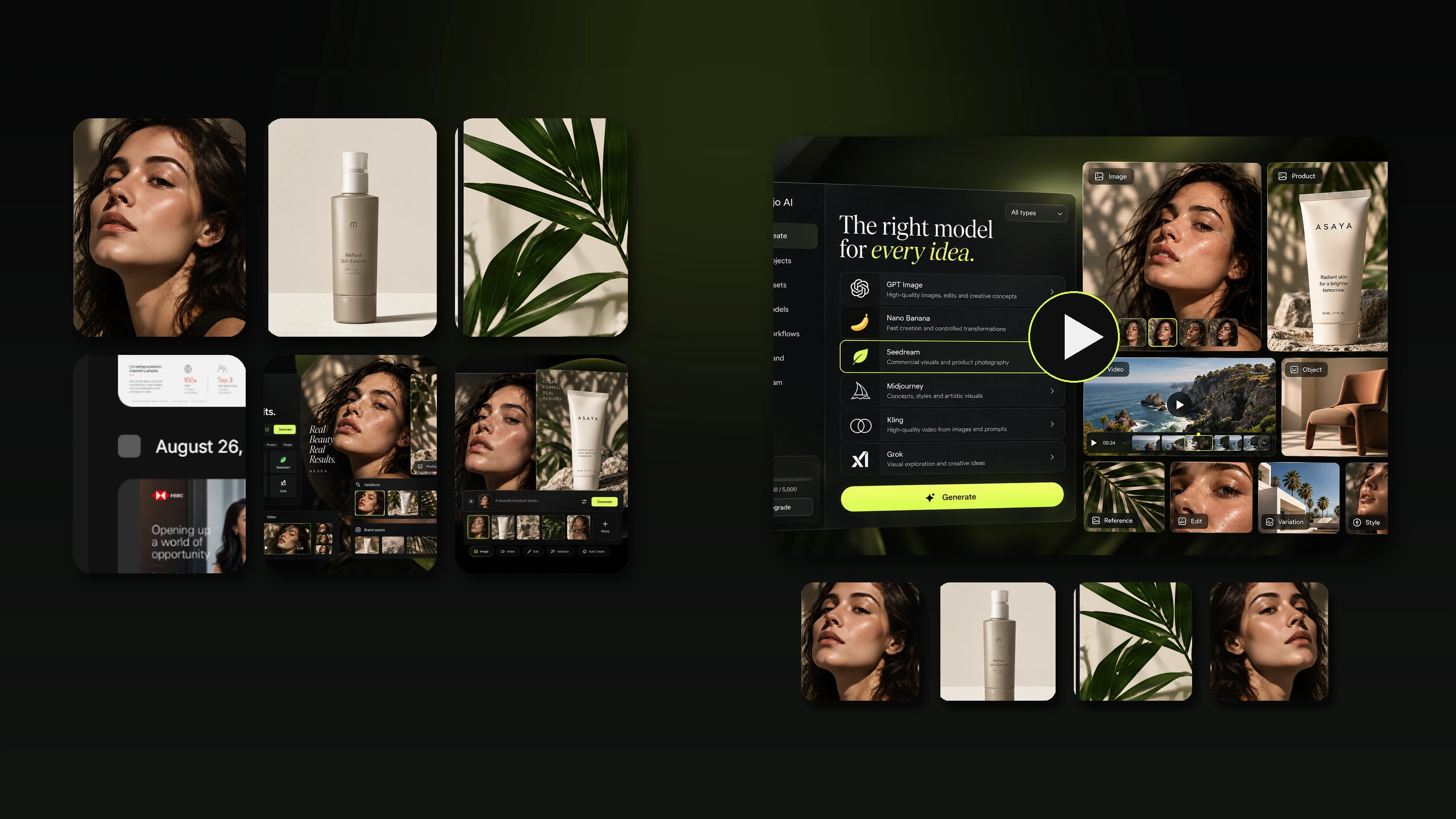
Mujo AI helps you turn a product photo into a ready-to-use set of listing assets: clean gallery images, lifestyle scenes, and structured visual blocks that match the image types above. This matters because ecommerce is scale. You want repeatable quality across SKUs, and you want variants to look consistent across the whole set.
A practical workflow that matches this guide
- Pick the frames you need from the table
- Generate each frame as a specific job in the funnel
- Keep a consistent visual system across variants
- Export a cohesive gallery that feels like one brand, not random pictures

Fast Product Photography Ideas When You’re Out of Inspiration
Shoot the biggest objection
If buyers hesitate, show proof visually: material, durability, compatibility, ease of cleaning, comfort, or safety.
Make one no-surprises image
Show what’s included clearly. It reduces returns and support messages.
Show the product doing the job
Not posed. Not abstract. One clear moment.
Make choosing easy
One comparison frame can replace paragraphs of copy.
Add one feel image
A texture close-up or a lifestyle frame that feels real and specific to your buyer.
Mini FAQ
How many images are enough for a strong listing?
Most products perform well with seven to ten images when each one answers a real buying question. Fewer purposeful frames beat lots of repeats.
Do I need lifestyle images if I sell on marketplaces?
If you want differentiation, yes. Clean hero images win clarity. Lifestyle adds desire and brand memory.
Are 360° and 3D shots worth it?
They work best for high-consideration products where design, finish, and angles matter, and buyers want to inspect before buying.
What’s the fastest way to improve conversion with product photos?
Fix the first three frames: hero clarity, angle set, and one key benefit visual. That alone often changes perceived value and click-to-buy behavior.