.png)
In ecommerce, images do two jobs at once. They sell to humans and they help search engines understand what you sell. If your product photos are beautiful but heavy, your page gets slow. If they’re fast but generic, your pages can’t win long-tail search.
Image SEO is the bridge between traffic and conversion.
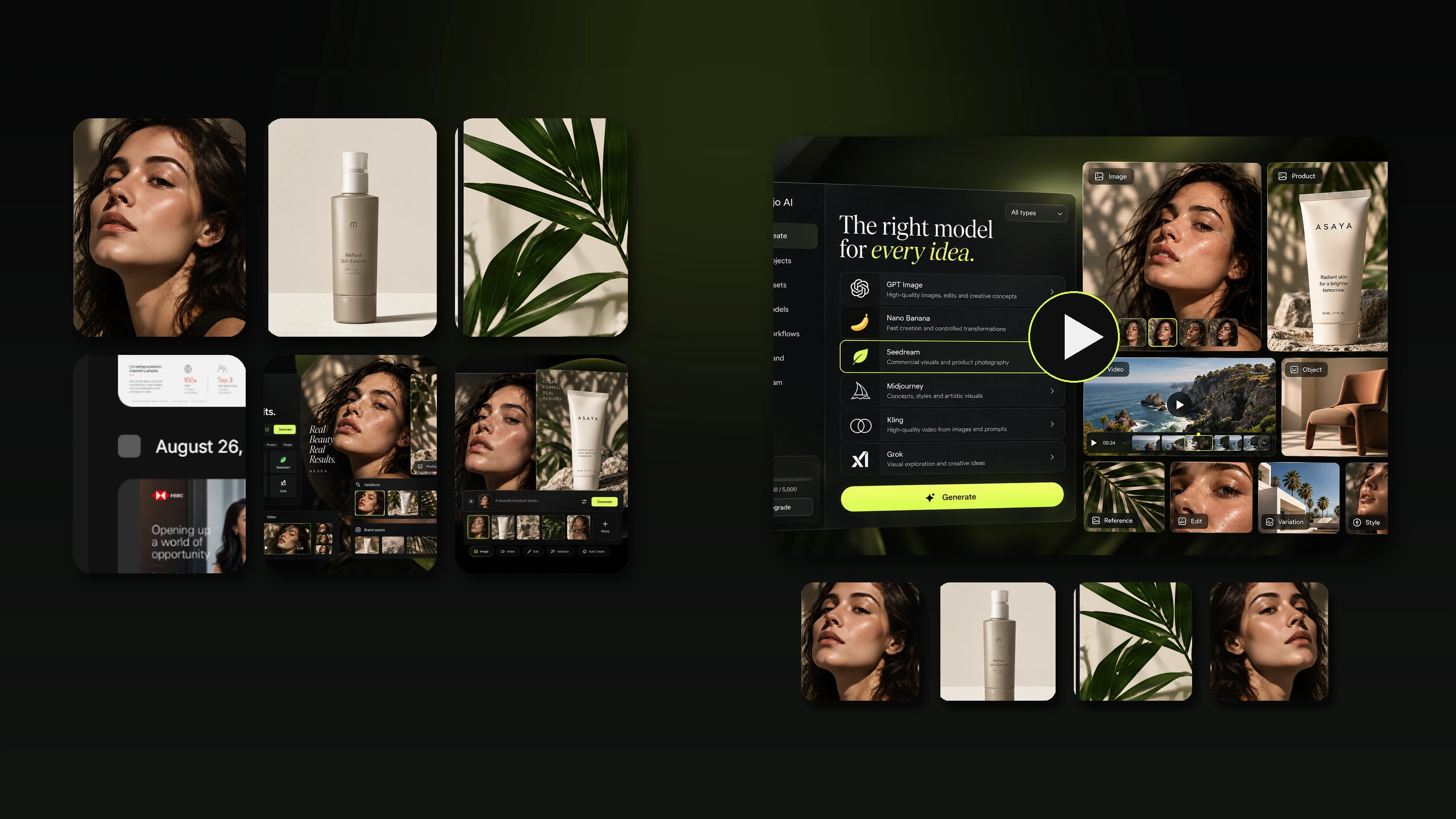
This guide is a practical system you can apply to any ecommerce store and product page: filenames, alt tags, formats, compression, lazy loading, responsive images, structured galleries, and the SEO plumbing that makes images discoverable. You’ll also see clear before-and-after examples and a workflow section on how Mujo AI helps you ship SEO-friendly galleries at scale.
.png)
Why Image SEO Matters for Ecommerce
Image SEO impacts three things that directly affect revenue.
Organic visibility
Optimized images help search engines understand products and can win additional traffic through long-tail queries and image surfaces.
Page speed and Core Web Vitals
Heavy images are often the biggest reason product pages load slowly. Speed affects rankings and conversion.
Conversion rate
A structured gallery, rather than a random set of angles, reduces doubt. Fewer doubts means more add-to-carts and fewer returns.
If you want a simple mental model, it is this: Image SEO equals relevance signals, performance signals, and discoverability signals.

Part 1. Relevance: Help Search Engines Understand Your Images
Search engines do not “feel” your photo. They rely on text signals around the image.
The most important relevance signals are:
- filename
- alt text
- surrounding page copy such as product title, description, and headings
- captions when useful
- structured data
1. Filenames that rank without looking spammy
Bad filenames:
- IMG_1039.jpg
- finalfinal2.png
- productphoto.webp
Good filenames:
- stainless-steel-water-bottle-leakproof-blue-hero.webp
- vitamin-c-serum-30ml-texture-closeup.avif
- dog-joint-supplement-chews-ingredients-callout.webp
A good filename is readable, descriptive, uses hyphens, focuses on what the image actually shows, and avoids repeated keyword stuffing.
.png)
2. Alt text that improves accessibility and SEO
Alt text is primarily for accessibility. SEO benefits come as a side effect of being clear.
Bad alt text:
- image
- product photo
- best water bottle buy now
Good alt text:
- Leakproof stainless steel water bottle in blue on white background
- Vitamin C serum texture smear showing lightweight gel finish
- What’s included: water bottle, lid, cleaning brush laid out side by side
Alt text rules that work in ecommerce:
- describe what is visible, not marketing claims
- keep it short and specific
- include one natural keyword only if it fits
- do not repeat the same alt text across many images
- avoid stuffing and superlatives

3. Match the image to on-page intent
This is where many stores lose image SEO without realizing it.
If the page targets “wireless earbuds for workouts,” your images should include:
- an in-use workout scene
- a sweat-resistant detail close-up
- what’s included
- fit and comfort cues
When images and copy support the same intent, the page feels complete to both users and search engines.
Part 2. Performance: Make Images Fast Without Killing Quality
Speed is image SEO. If your product page is slow, your rankings and conversion both suffer.
Your biggest performance wins usually come from:
- modern formats such as WebP and AVIF
- proper sizing and responsive images
- compression
- lazy loading used correctly
- CDN delivery
1. Choose the right image format
| Format | Best for | Pros | Watch out |
|---|---|---|---|
| AVIF | Highest compression needs | Smallest files, great quality | Not always supported everywhere, needs fallback |
| WebP | Most ecommerce use | Strong compression, wide support | Transparency can be heavier than expected in some cases |
| JPEG | Photos | Universal support | Larger than WebP or AVIF for the same quality |
| PNG | Transparency, simple graphics | Crisp edges | Huge files for photos, use carefully |
| SVG | Icons and simple vectors | Tiny, scalable | Not for photos |
A simple rule: use AVIF or WebP for product photos whenever possible, with JPEG fallback if needed.

2. Size images for how they’re actually displayed
A classic ecommerce mistake is uploading massive images and letting the browser shrink them.
Best practice:
- generate multiple sizes
- serve the right size to the right device
- keep a sharp zoom image available, but do not load it first
The main product image should be crisp on mobile, but not oversized just to support desktop-only zoom. Thumbnails should be small and optimized. Lifestyle images should be compressed and responsive.
3. Responsive images that protect quality and speed
If your platform supports it, use responsive delivery so mobile users do not download desktop-heavy assets.
What good looks like:
- different sizes for different screen widths
- modern formats where supported
- a stable aspect ratio so layout does not jump while loading
4. Lazy loading without hurting rankings and UX
Lazy loading is great when it is used properly:
- lazy load below-the-fold images
- do not lazy load the main hero image if it is your LCP element
- keep placeholders to avoid layout shifts
- ensure images are still discoverable and not hidden behind scripts

Part 3. Discoverability: Make Images Easy to Find and Index
Even perfect images will not drive organic visibility if search engines cannot reliably discover them.
Your key discoverability levers are:
- clean internal linking and crawlable pages
- an image sitemap or sitemap that includes image references
- structured data on product pages
- consistent URLs and CDN settings
1. Product page structure that helps image discovery
Search engines understand images better when:
- the image is placed near relevant text such as product name, variant, or benefit
- the page has a clear heading hierarchy
- the gallery is not locked behind interactions that hide image URLs
- each important image has a stable URL
2. Structured data: connect images to the product
On ecommerce PDPs, structured data helps clarify:
- which images belong to the product
- what the product is
- how variants relate
- key attributes and availability
If you are choosing one thing to do well, make sure your product pages use product-focused structured data and include image references consistently.

Structured Galleries: Image SEO That Also Boosts Conversion
This is the part most image SEO guides miss. A gallery can be optimized for rankings and still be bad at selling. High-performing ecommerce stores design galleries like funnels.
A conversion-focused gallery order that also supports SEO context:
- Hero image with clean product clarity
- Angles that show different information, not repeats
- Key benefit visual with one main outcome
- Detail or texture proof showing materials, finish, or close-up
- In-use image for real-world context
- Scale frame to prevent misunderstanding
- What’s included frame to remove surprises
- Comparison frame for variants or model differences
- Steps or instructions only if needed
Why this helps SEO too:
- images map to real buyer intents and long-tail language
- alt text becomes naturally diverse and specific
- the page contains more meaning without keyword stuffing

Before / After: gallery that hurts vs gallery that sells
Before:
- one hero plus seven similar angles
- alt text repeats “product image”
- no scale, no included items, no proof
Result: slow decision-making, lower conversion, weaker long-tail relevance.
After:
- diverse frames with one purpose each
- unique, descriptive alt text
- richer context around what buyers search for
Result: clearer page, better engagement, better conversion signals.

Mini Checklist: Image SEO for Ecommerce
Relevance
- descriptive filenames with hyphens
- unique alt text that matches what is shown
- images placed near relevant headings and copy
- avoid keyword stuffing and repeated phrases
Performance
- WebP or AVIF where possible
- correct sizing and responsive delivery
- compress without visible damage
- lazy load below the fold and protect the hero image
- stable aspect ratios to avoid layout shifts
Discoverability
- crawlable galleries, with images not hidden behind blocked scripts
- consistent image URLs
- structured data on product pages includes image references
- sitemap includes key product URLs and images where supported
How Mujo AI Helps You Ship Image SEO at Scale
Image SEO is easy for one product and hard for a catalog. The real challenge is consistency: filenames, alt text logic, gallery structure, and variant alignment across dozens or thousands of SKUs.
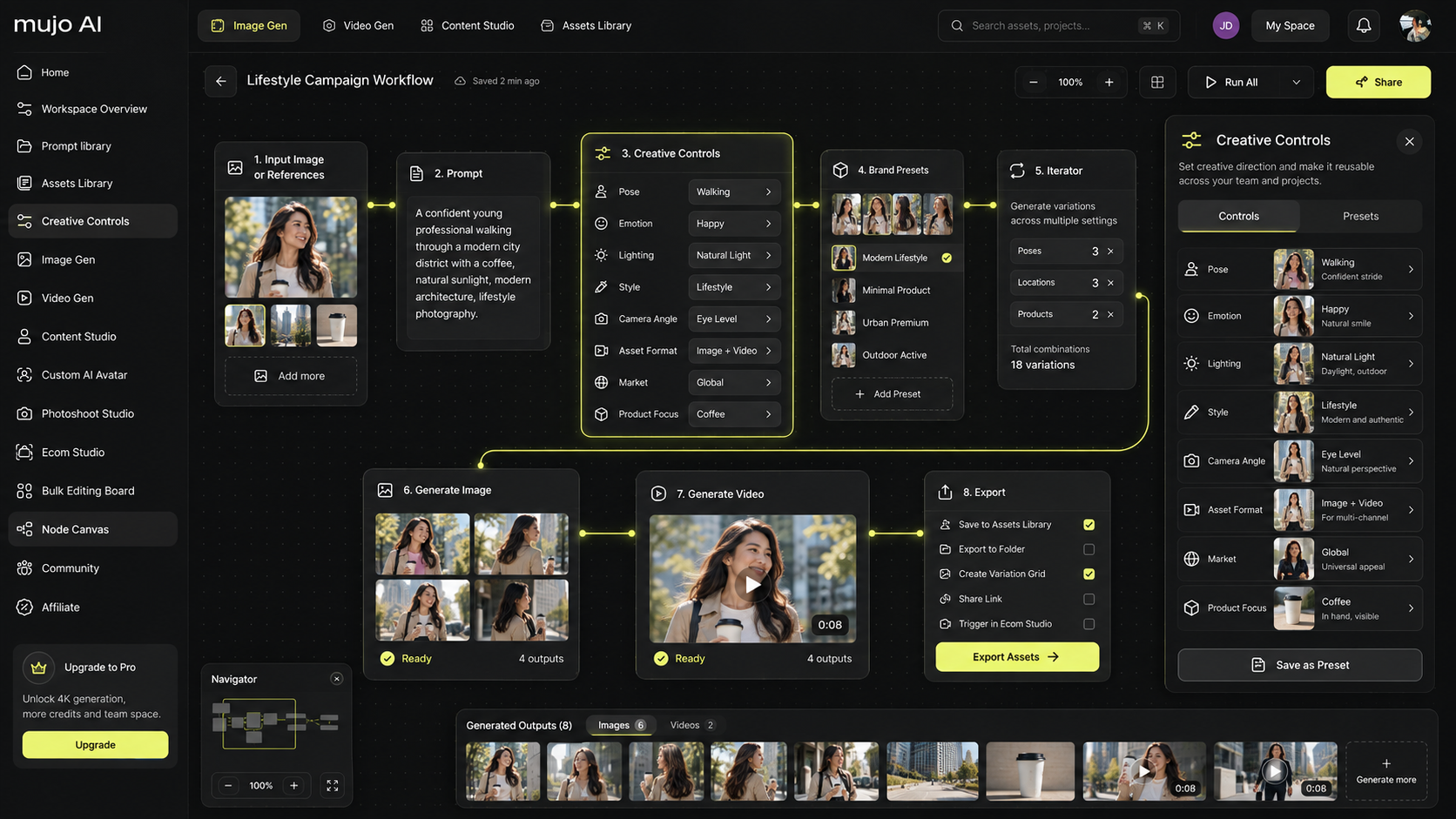
Mujo AI helps teams treat images like a system:
- generate structured galleries with frames that map to buyer questions
- keep variant visuals consistent so your store looks trustworthy
- produce multiple image types fast: hero, benefit, texture, included, comparison, and in-use
- export sets that are ready to upload with a predictable structure
A practical Mujo workflow for Image SEO
- Start from one clean product photo
- Generate a full gallery set using a funnel order rather than random angles
- Name assets by frame purpose such as hero, texture, included, or comparison to keep filenames clean
- Add concise alt text per frame based on what it shows
- Upload as a consistent set across variants and collections

Mini FAQ
Do filenames really matter for image SEO?
They are not magic, but they help provide context. Clean filenames also improve workflow and reduce mistakes at scale.
How long should alt text be for product images?
Short and specific. Describe what is visible. One clear sentence is usually enough.
Should I lazy load all images?
No. Lazy load below-the-fold images, but protect the first hero image so your page loads fast and feels instant.
What’s the fastest Image SEO win for an ecommerce store?
Switch to modern formats, fix oversized images, and rebuild the gallery so each image has a purpose with unique alt text.