How to Write a Product Photography Business Plan
A product photography business can look simple from the outside: take photos, deliver files, get paid. In reality, the photographers who earn consistently are not just good at shooting. They run a repeatable system: clear positioning, packaged services, predictable pricing, fast workflow, and smart upsells that increase revenue without doubling hours.
This guide is a step-by-step plan for building a profitable product photography business, especially for beginners and small studios. You will learn how to choose a niche, design offers that clients understand, set prices that protect your time, build a workflow that scales, and add AI-powered upsells that increase profit per client.
You will also find practical tables and a checklist that help turn your plan into action instead of leaving it as a vague idea.
Why a Business Plan Matters Even for a One-Person Studio
You do not need a 40-page document. You need clarity.
A product photography business plan helps you:
- stop undercharging and guessing
- explain your value without long negotiations
- deliver faster and more consistently
- build repeatable monthly income
- scale beyond the hours you can personally shoot
If you do not plan, you end up selling time. If you plan, you sell outcomes.
Step 1: Choose Your Positioning — Who You Serve and What You Deliver
Most beginners position themselves as a product photographer for everyone. That usually pushes them into price competition.
Pick one primary client type:
- Amazon sellers and marketplace brands
- Shopify and DTC brands
- beauty and skincare brands
- food and supplements
- apparel and accessories
- handmade and Etsy sellers
- agencies that manage ecommerce content
Then pick the outcome you want to be known for:
- conversion-focused image sets
- consistent catalog photography
- premium lifestyle scenes
- fast turnaround for launches
- studio-quality images from supplier photos
Your positioning should be a sentence a client can repeat:
I help [client type] get [specific outcome] so they can [business result].
Step 2: Define Your Core Services and Remove Confusion
Clients do not buy photos. They buy clarity, trust, and sales assets.
Core service categories usually include:
- hero pack shots, meaning clean product identification images
- lifestyle scenes, meaning in-use, contextual, emotional frames
- detail and texture shots, meaning materials, ingredients, and close-ups
- bundles and what’s included layouts
- marketplace galleries, meaning structured image sequences
- product page visuals, such as above-the-fold modules and banners
- enhanced content assets, such as A+ style modules and comparison frames
Beginners often offer too many versions with custom pricing. A better move is to build three or four standard packages and make customization a paid add-on.
Step 3: Build Packages Clients Can Buy Without a Call
Packaging is the bridge between your skill and predictable income.
A strong package includes:
- number of final images delivered
- image types included, such as hero, lifestyle, detail, or included frames
- number of products or variants
- number of revisions
- turnaround time
- usage rights and where images can be used
- what the client must provide, such as product shipment, brand guidelines, or references
Package names should be outcome-based, not Package A or Package B.
Examples:
- Marketplace Launch Kit
- Shopify PDP Image Set
- Beauty Texture + Ingredient Kit
- Catalog Consistency Batch
Package Blueprints for Beginners
| Package type | Best for | What’s included | Why clients buy it |
|---|---|---|---|
| Starter Hero Set | New sellers, small catalogs | 3–5 hero angles + 1 detail crop | Fast clarity and professionalism |
| Marketplace Launch Kit | Amazon-style listings | 7–9 images: hero, benefits, scale, included, proof | Higher conversion-ready gallery |
| Shopify PDP Set | DTC brands | Hero + lifestyle + details + included + trust frame | Above-the-fold clarity + page flow |
| Batch Catalog Day | Large catalogs | Consistent hero shots for multiple SKUs | Consistency across the store |
| Beauty Proof Kit | Skincare and wellness | Texture macro + ingredients + routine placement | Trust and differentiation |
| Bundle Builder | Kits and sets | Flat lay included + comparison frames | Reduces confusion and returns |
Step 4: Pricing Product Photography So It Actually Works
Pricing is where most product photographers struggle, because they price by the wrong unit.
Avoid pricing purely by:
- hours
- per photo without context
- whatever competitors charge
Better pricing is based on:
- value of the outcome
- complexity and workflow load
- usage rights
- speed and reliability
- volume and consistency needs
The Three Pricing Layers You Need
Base production: shooting time, setup, styling, and prep.
Post-production: retouching, color consistency, exports, and formatting.
Commercial value: usage rights, exclusivity, category risk, and performance intent.
A simple way to protect your business is to price a package for standard use and standard complexity, then add fees for rush work, extra variants, heavy retouching, complex composites, or broader licensing.
How to Price: Practical Models That Sell
There are three common pricing models in product photography. You can mix them, but it helps to lead with one.
Package-based pricing
Best for beginners because it is simple for clients. You sell outcomes and deliver a predictable set.
Per SKU + add-ons
Useful for catalogs. You set a base price per product, then add extras for lifestyle, model, props, and more angles.
Retainer or monthly content plan
Best for stable income. Clients pay monthly for a set number of assets or products shot. This model works especially well when paired with AI-assisted scaling.
What Drives Cost in Product Photography
| Cost driver | What increases effort | How to price it fairly |
|---|---|---|
| Styling complexity | Props, sets, brand look | Add styling fee or premium tier |
| Products per shoot | More SKUs, more setup | Per-SKU rate + volume discount rules |
| Variants | Colors, sizes, bundles | Per-variant add-on |
| Retouch level | Heavy cleanup, composites | Retouch tier pricing |
| Model or hands | Casting, scheduling | Separate model fee + production fee |
| Lifestyle scenes | Location, lighting, storytelling | Lifestyle add-on per scene |
| Speed | Rush turnaround | Rush multiplier fee |
| Usage rights | Broader commercial usage | Licensing add-on |
| Formatting/export | Multiple crops and sizes | Export bundle add-on |
Step 5: Build a Workflow That Scales and Does Not Break You
A profitable business is a workflow business.
A repeatable product photography workflow usually looks like this:
Intake
Client questionnaire, product list, goals, and required image types.
Shot list and references
Define gallery structure, angles, textures, included shots, and lifestyle mood.
Production day
Batch similar products together. Keep lighting and framing consistent.
Post-production
Color consistency first, then cleanup, then exports.
Delivery
Deliver in a client-friendly folder structure with naming conventions.
Feedback and revision
Include one structured revision round. Anything beyond that becomes paid work.
A key scaling principle:
Batching beats multitasking. Shoot in batches, edit in batches, deliver in batches.
Deliverables That Look Professional and Increase Referrals
Clients care about files more than many photographers think. Confusing delivery makes you look less professional, even if the images are good.
Best practices:
- folder per SKU
- image names that match listing needs
- separate folder for web-optimized exports
- separate folder for high-resolution files if needed
- a simple PDF or note explaining image order for galleries
If you want upsells to feel natural, make delivery feel like a kit, not a loose pile of files.
Step 6: Upsells That Increase Profit Without Doubling Work
Upsells should match what ecommerce brands actually need: more assets, more consistency, and faster launches.
High-performing upsells:
- additional lifestyle scenes
- model hands shots
- bundle and what’s included layouts
- comparison frames and variant visuals
- seasonal refresh sets
- fast turnaround
- conversion-focused gallery reorder and optimization
- A/B test variants of the first 2–3 images
The biggest modern upsell is AI-assisted scaling, because it reduces manual production time.
How AI Changes Product Photography Pricing and Services
AI is not replacing product photographers. It is changing what clients expect.
Clients increasingly want:
- more images per SKU
- consistent style across many products
- fast turnaround for launches
- multiple versions for different platforms
- structured galleries that sell, not just pretty photos
AI helps you deliver that without scaling your hours linearly.
This creates two strategic opportunities:
- you can offer more deliverables in the same time
- you can charge for outcomes and systems, not just manual labor
The photographer becomes the creative director and quality controller. AI becomes the production engine for variations and structured sets.
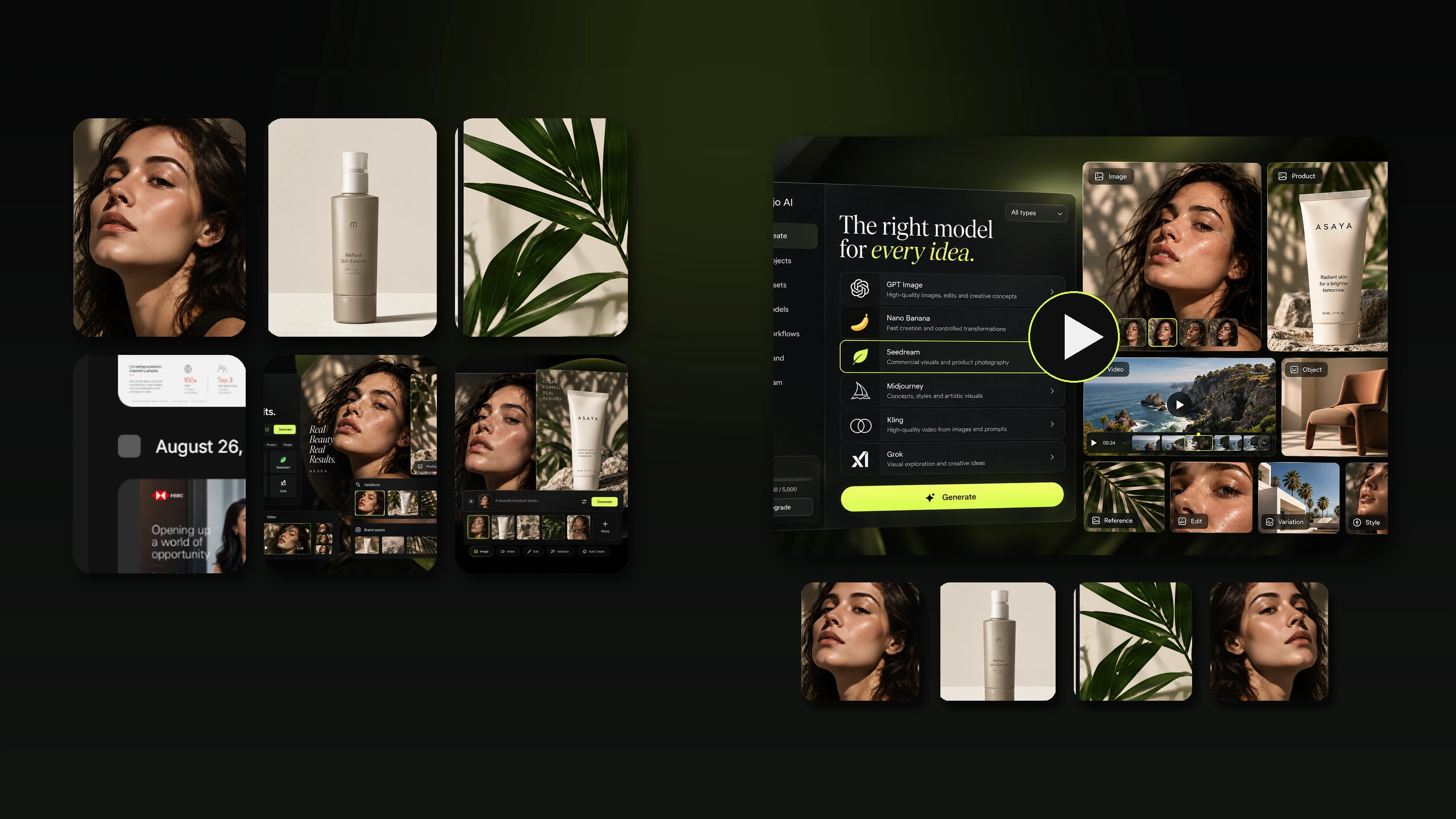
How to Upsell with Mujo: Virtual Studio for Product Listing Assets
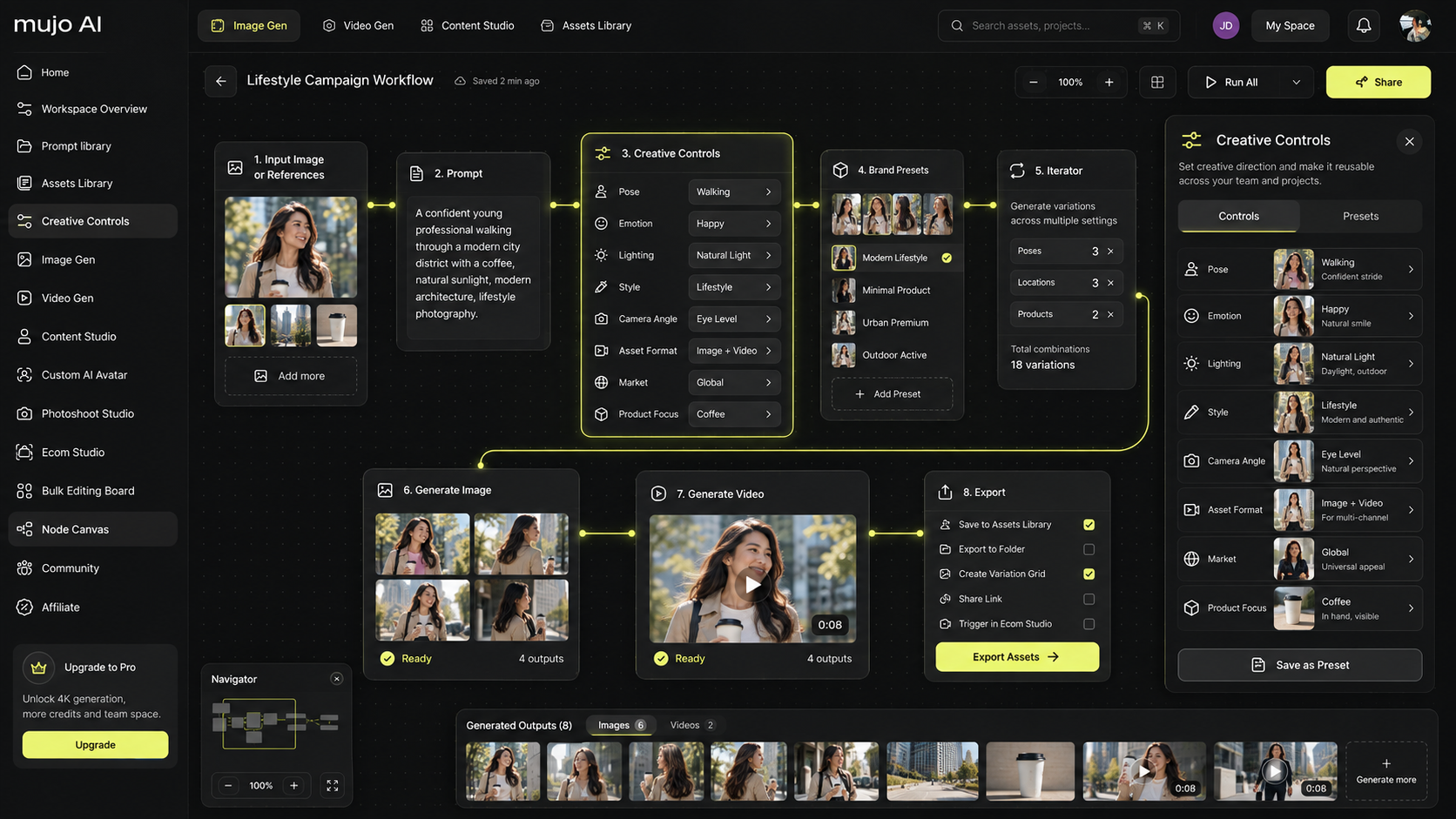
Mujo is designed for ecommerce listing assets. It can turn a single product photo into a complete set of visuals and copy in a structured, marketplace-friendly order.
For a photography business, that means you can sell:
- listing-ready galleries as a productized deliverable
- consistent variation sets for bundles and variants
- lifestyle scenes that match a brand style
- benefit and comparison frames that read on mobile
- export-ready assets for Amazon and Shopify workflows
A practical offer you can add:
After your shoot, I deliver a full ecommerce listing kit with a structured gallery order, consistent visuals across variants, and ready-to-upload exports.
This upsell works because it solves a real client pain point: they do not want photos, they want a listing that converts.
Step 7: Sales Channels and Client Acquisition That Fit Beginners
You do not need every channel. You need one channel you can execute consistently.
Reliable beginner channels:
- outreach to Shopify brands with weak galleries
- partnerships with ecommerce agencies
- local brands that want online sales assets
- marketplace seller communities
- referrals from packaging designers, copywriters, and web designers
- retainers with brands that launch monthly products
Your message should focus on outcomes:
- faster product launches
- higher conversion-ready galleries
- consistency across the catalog
- fewer returns because of clearer visuals
- stronger premium brand perception
How to Create a Simple Financial Plan
A business plan becomes real when you define targets.
A beginner-friendly approach:
- set a monthly income goal
- estimate average revenue per project
- calculate how many projects you need each month
- define capacity: how much you can produce without burnout
- increase revenue by raising average order value through upsells, not by endlessly adding clients
Example logic: if you can deliver six projects per month comfortably, each project needs to be priced and packaged in a way that gets you to your target.
Business Plan Template for Product Photographers
| Section | What to decide | Output you should have |
|---|---|---|
| Positioning | Who you serve and the outcome | One clear positioning sentence |
| Offer | Packages and deliverables | 3–4 package cards |
| Pricing | Model and add-ons | Price list + add-on rules |
| Workflow | Intake to delivery | Documented process checklist |
| Upsells | What increases value | Upsell menu with prices |
| Marketing | One main channel | Weekly outreach or content plan |
| Operations | Tools and file delivery | Delivery template + naming system |
| Growth | Retainers and scaling | Plan to add monthly clients |
Checklist: Building a Profitable Product Photography Business
Positioning
- I serve a specific ecommerce client type
- My offer promises a clear outcome
Packages
- I have 3–4 packages that clients understand
- Each package defines deliverables, turnaround, revisions, and usage
Pricing
- My pricing covers production, post, and commercial value
- I have add-ons for complexity, variants, and rush
- I do not negotiate away profit by default
Workflow
- I batch shoots and edits
- I use a consistent shot list and delivery structure
- I include one structured revision round
Upsells
- I offer higher-value assets that reduce client friction
- I can scale deliverables without scaling hours by using AI tools
Growth
- I focus on one main acquisition channel
- I push toward retainers and repeat work